Photos
By what's in them: "dog", "two dogs", "beach at sunset".By where and when: "photos in Goa December". By who: mark one photo "This is me", then "photos of me".By look: drop in a photo to find ones like it.
 Nothing Explorer
 finds the photos, scans and PDFs on your Mac by what they show and what they say. Everything happens on your Mac. Nothing is uploaded.
Found 1 scan
RENT AGREEMENT
This rent agreement is made at Ahmedabad on the 1st day of June 2025 between the owner and the tenant named below.
The monthly rent shall be paid on or before the 5th of each month, by bank transfer.
The deposit is returned in full when the tenant leaves the premises in good order.



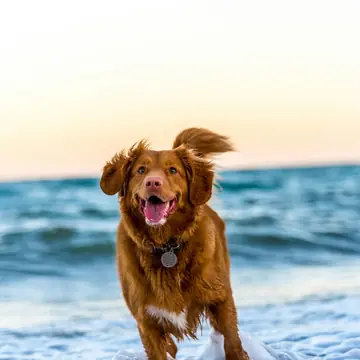


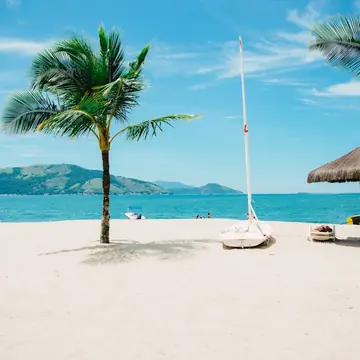
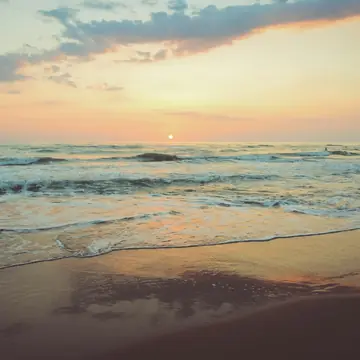
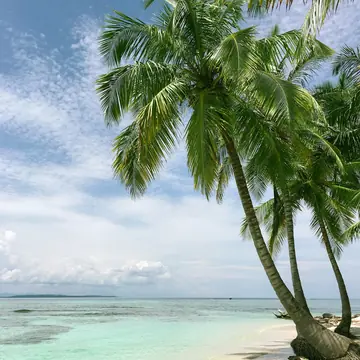

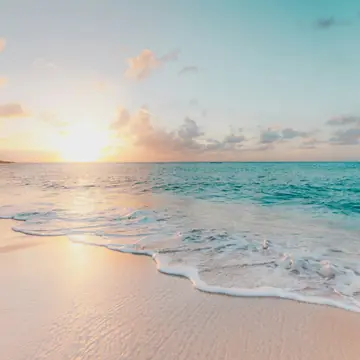

The demo has a few example photos and one scan.
On your Mac, Nothing Explorer looks through all of yours.
Ready. Nothing leaves this Mac.Return opens · ⌥Space anywhere
By what's in them: "dog", "two dogs", "beach at sunset".By where and when: "photos in Goa December". By who: mark one photo "This is me", then "photos of me".By look: drop in a photo to find ones like it.
Scanned PDFs, photos of paper, screenshots: it reads the words and rings them where they are. Documents and PDFs with text, through the search your Mac already has.
JPGPNGHEICWebPPDFExcel
Everything happens on your Mac. Turn the Wi-Fi off and it still works.No file, photo or search ever leaves it. No account. Once a day it asks keepnothing.in if there is a new version.
It searches your home folder and the drives you plug in. A drive you unplug is remembered for next time. When a new version is out, the app says so at the bottom of its window.